

Introduction
Introduction
An edit can be nearly finished and still have one awkward gap: the shot you forgot to film. Generating something attractive is easy to imagine. Choosing a replacement that means what the narration says takes a more careful workflow.
This guide provides an original shot ledger and a fictional editing example, alongside YouTube’s published disclosure guidance. It is a source-based explainer, not a trend ranking or a hands-on tool benchmark.
Start with what the shot is supposed to prove
A missing shot is a missing visual decision. Before looking for a replacement, copy the sentence that will play over it and finish this line: “The viewer should understand ___ from this image.” Then mark the shot as evidence or illustration.
Evidence supports a claim about something that actually happened: a crowded room, a product test or a visit to a location. Illustration helps explain an idea without claiming to record it. A generated empty editing room can illustrate planning; it cannot document the studio you visited. This distinction is our editorial method, not a YouTube feature.
Watch the narration and replacement together. A harmless-looking image can become misleading under a sentence such as “this is what happened at the event.” If the image cannot support that sentence, change the visual, narrow the narration or remove the shot. A disclosure is not a substitute for making the sequence truthful.
Choose one of four routes for each gap
Treat these as decision prompts, not a ranking of production methods. Stock footage of an audience should not be presented as your audience. A reshoot of a desk routine does not recreate proof of a past result. If no route preserves the meaning, an on-screen sentence or a clean cut may be the stronger edit.
Suggested routing table for missing B-roll; assess each shot in context.
| Shot purpose | Preferred route | What to check |
|---|---|---|
| Show a real event or test result | Use your relevant original footage, or remove the visual claim | Does the footage actually depict the event and support the narration? |
| Demonstrate a repeatable action | Reshoot a demonstration | Make clear that it is a demonstration, not the original event |
| Add atmosphere without implying a specific event | Consider licensed stock | Check the chosen asset’s permitted use, restrictions and attribution requirements |
| Explain an abstract idea | Create an original diagram or conceptual illustration | Check for accidental factual implications and disclose AI use where applicable |
Build a shot ledger before generating anything
Use one row per missing shot and a stable ID such as B07. Keep the chosen asset filename in that row so a reviewer can find the exact version. The aim is to prevent an approved concept from silently turning into a different final image.
Narration: copy the sentence heard during the shot.
Purpose: evidence, demonstration, atmosphere or concept.
Route: original footage, reshoot, licensed asset, new illustration or omit.
Provenance: filename, source URL if relevant, and the applicable permission record.
AI status: generated, altered, or none known; note what changed.
Meaning and disclosure: what could a viewer infer, and what explanation or upload disclosure is needed?
Review: named responsible editor, decision, version and unresolved questions.
This is a proposed worksheet. It is not a report of a tested production system or a promise of time saved.
Use automation to flag gaps, then review the actual cut
A spreadsheet can help identify incomplete rows. For example, flag a row when a licensed route has no permission record, an AI route has no disclosure decision, or a replacement filename has changed after review. These checks sort work; they do not establish rights or decide whether an audience will be misled.
Use three workflow states: Needs evidence, Ready for review and Approved version. Only move a row to Approved version after watching that exact shot with its narration, captions and surrounding cuts. If any of those change, reopen the row. Keep generation and upload outside this checklist automation.
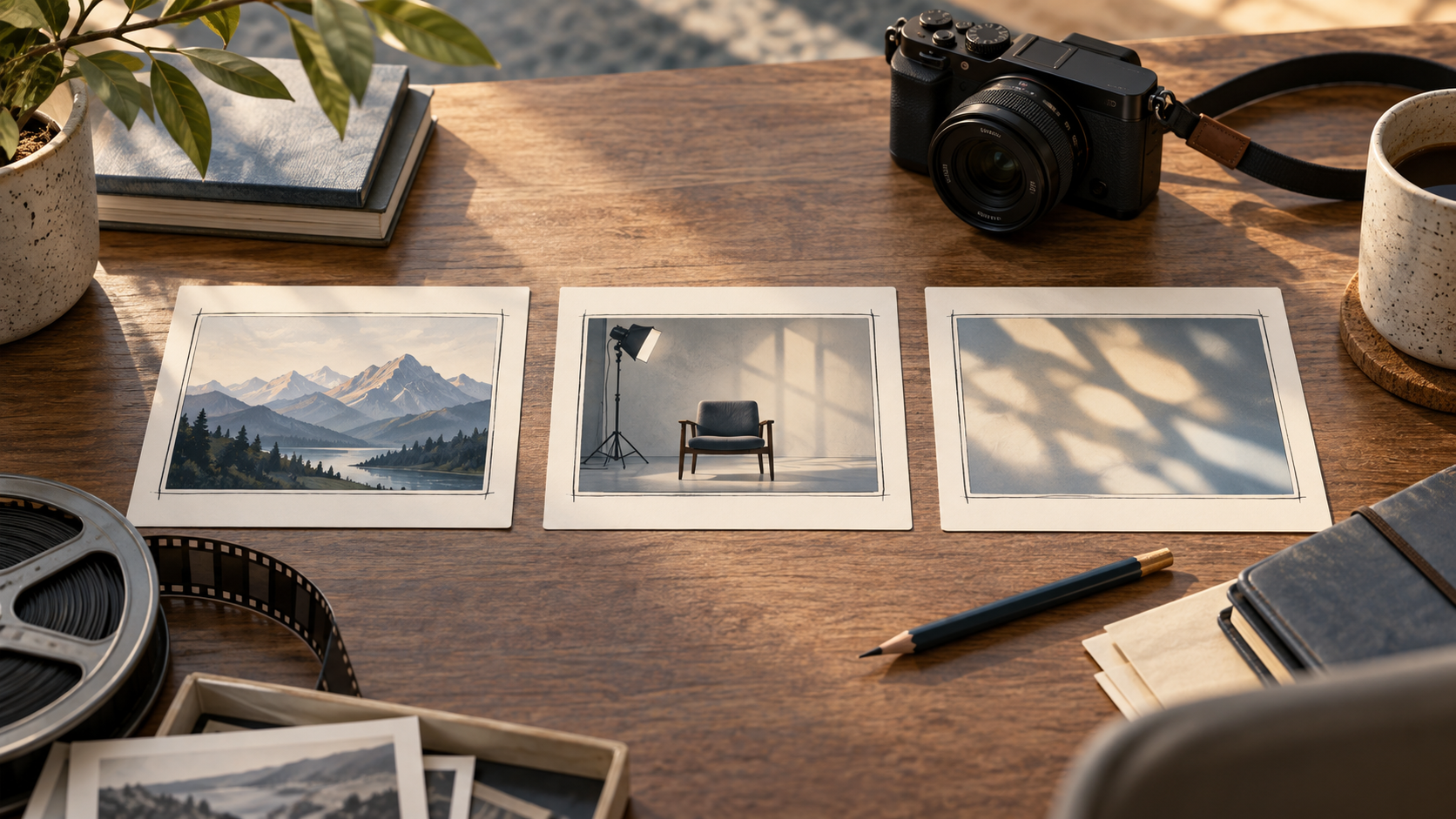
B07 accompanies “an editor often compares several possible shots.” The editor chooses a visibly conceptual storyboard illustration and an explanatory caption. B08 accompanies “we visited this studio last week.” With no relevant recorded footage, the editor removes the visual claim rather than generating a studio and implying it was the visited location.
Check YouTube’s disclosure rule separately
YouTube’s official help page, checked September 21, 2026, requires disclosure for meaningfully altered or synthetic content that appears realistic. Its examples include fabricated realistic scenes and alterations that misrepresent a real person, place or event. Minor edits and clearly unrealistic content are treated differently.
The current instructions point to the Attributes section in YouTube Studio and the “AI use” choice. Recheck the interface when uploading because labels can change. A caption explaining an illustration helps viewers, but it does not replace a required platform disclosure.
YouTube says disclosure itself does not limit audience reach or monetization eligibility. That is not a guarantee that a particular video qualifies for monetization or complies with every other rule. See the official reference below for the current requirements.
Run a short final review with the sound on
First, play the sequence without stopping and write down what it seems to show. Then compare that impression with the shot ledger. This catches a different class of problem from checking a filename or license field.
For a first pilot, try the worksheet on three missing shots in a private draft. Record how many required a narration change, how many lacked permission evidence and how long review took. Those are observations you can collect; there is no assumed improvement target or revenue estimate.
Does any replacement suggest a real event, endorsement or result that you cannot substantiate?
Does the final file match the reviewed version?
Are any required captions, attributions and platform disclosures present?
Can another editor locate the source and decision without asking you?
Would omitting the shot make the explanation clearer?